

Delete Kafka clusters
You can delete a cluster using the Confluent Cloud Console, Confluent CLI, or REST API. You cannot restore a deleted cluster.
To prevent accidental deletion of a Apache Kafka® cluster, enable Cluster Deletion Protection on Confluent Cloud. If a cluster has deletion protection enabled, you cannot delete the cluster until you disable protection.
Before you can delete a cluster, you must delete any connectors still running on the cluster and any ksqlDB clusters associated with the cluster. For more information, see Delete a ksqlDB cluster.
Confluent retains deleted clusters for a brief period after you delete them. For more information, contact Confluent Cloud Support.
Cloud Console
Navigate to the clusters page for your environment.
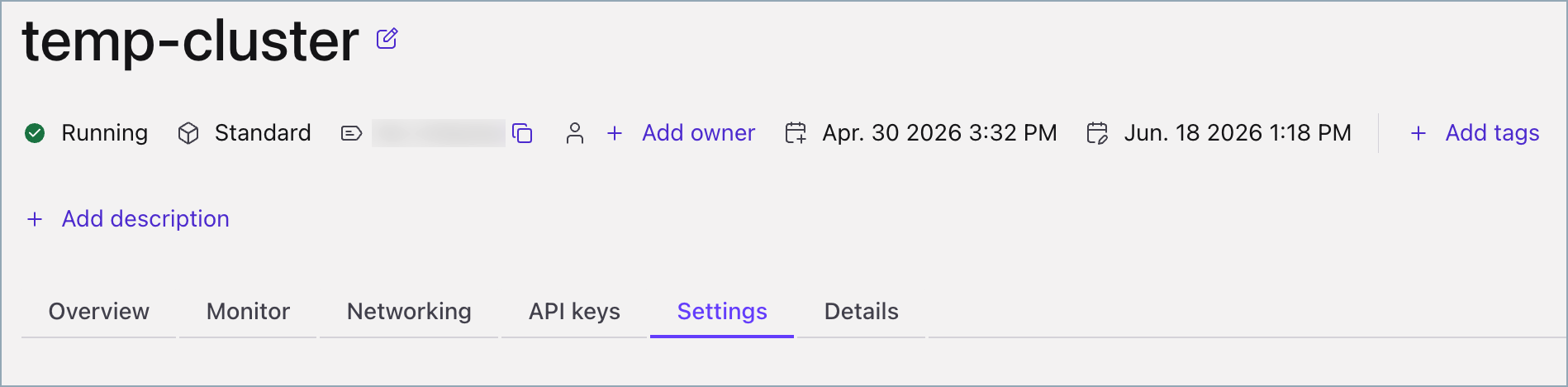
Select the cluster you want to delete, and then select the Settings tab.
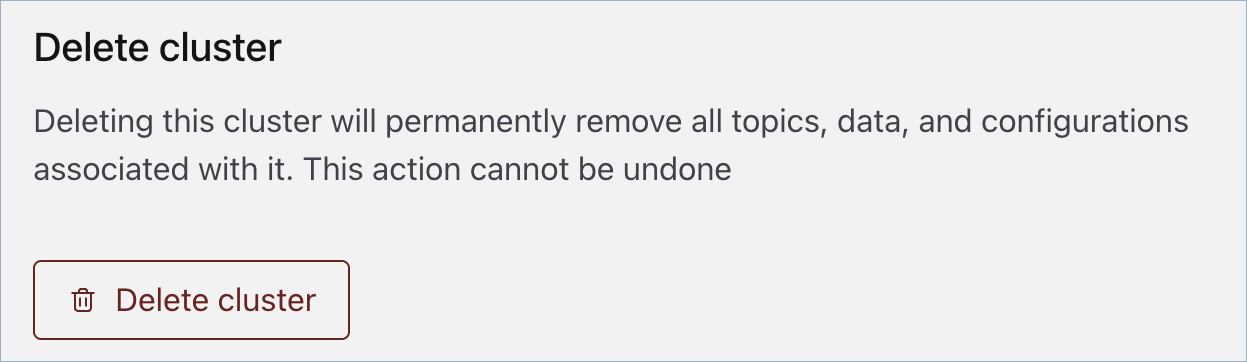
In the Delete cluster panel, click Delete cluster, enter the cluster name, and click Continue.
Confluent CLI
To delete a cluster, run the following command in your terminal:
confluent kafka cluster delete <id> [flags]
In the following example, highlighted text indicates your input:
confluent kafka cluster delete lkc-123exa

Are you sure you want to delete Kafka cluster "lkc-123exa"?
To confirm, type "my-new-name". To cancel, press Ctrl-C:

my-new-name

Deleted Kafka cluster "lkc-123exa".
Confluent Cloud APIs
To delete a cluster, make a DELETE request specifying the environment and
cluster.
Request
This request structure applies to all cluster types.
DELETE /cmk/v2/clusters/{id}?environment={environment_id}
Parameter |
Required or Optional |
Description |
|---|---|---|
|
Required |
Path parameter specifying the identifier for the cluster to delete. |
|
Required |
Query parameter specifying the identifier for the environment that contains the cluster to delete. |
Response
Success returns an HTTP 204 No Content.