

Monitor Tiered Storage for Confluent Platform Clusters
Unified Stream Manager (USM) shows how much data a Confluent Platform cluster has offloaded to tiered storage and whether any replicas are failing to tier.
You can check tiered storage health in the Confluent Cloud Console without going to Control Center.
Prerequisites
Tiered storage must be enabled on the Confluent Platform cluster. For setup steps, see Tiered Storage.
View tiered storage fields
To view the tiered storage fields for your Confluent Platform cluster, follow these steps:
In the Confluent Cloud Console, navigate to the Environments page and select your environment.
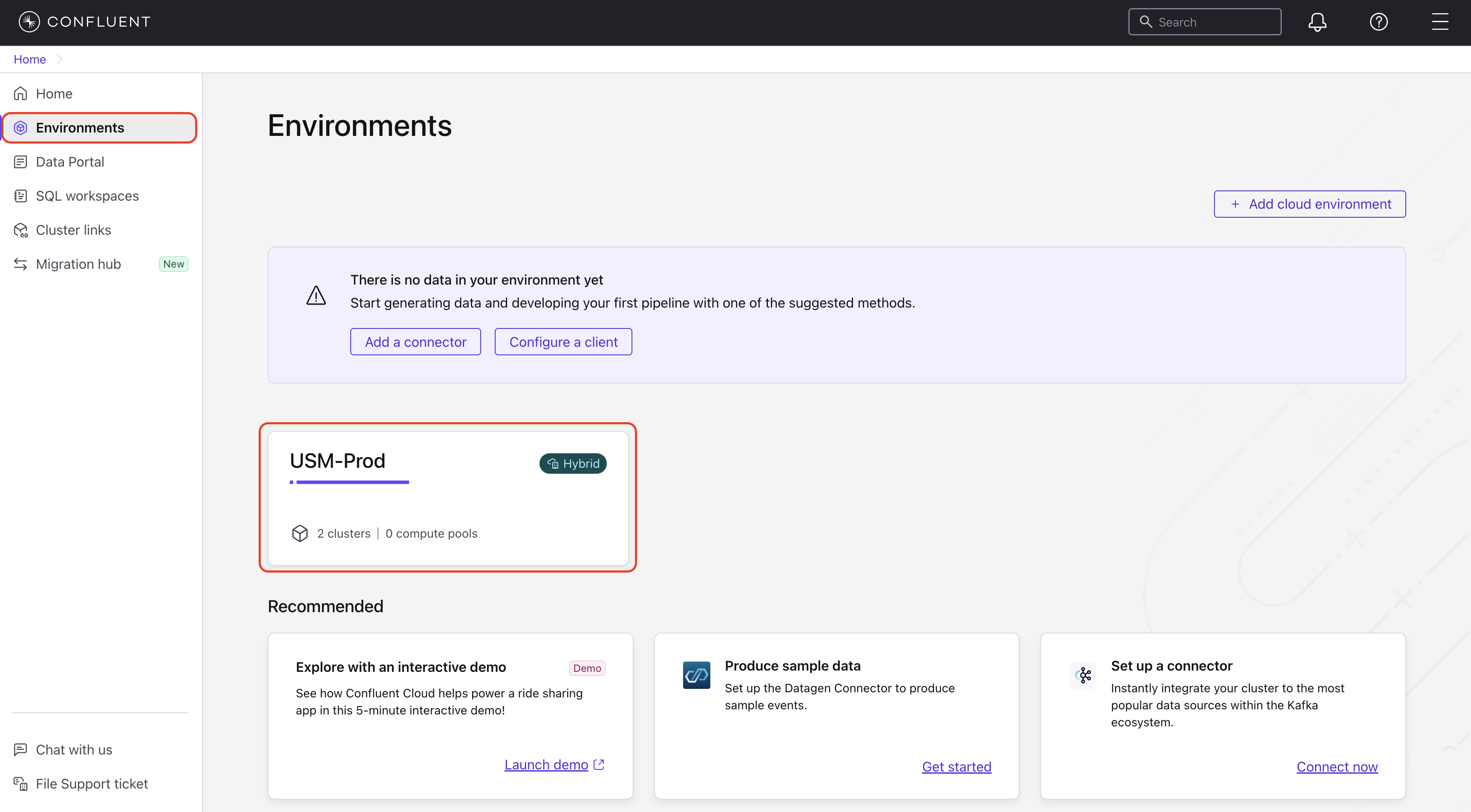
In the navigation menu, click Clusters and select your Confluent Platform cluster.
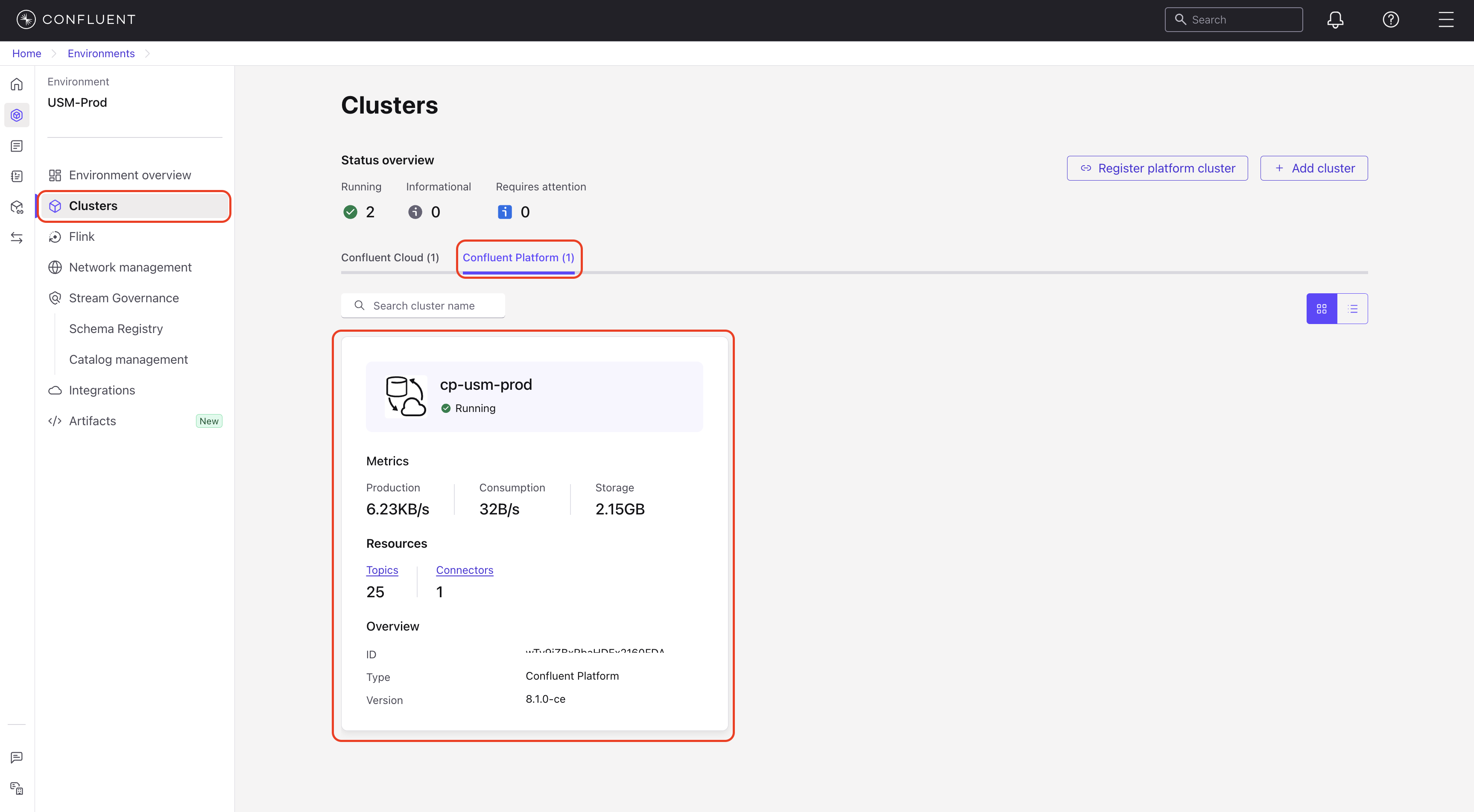
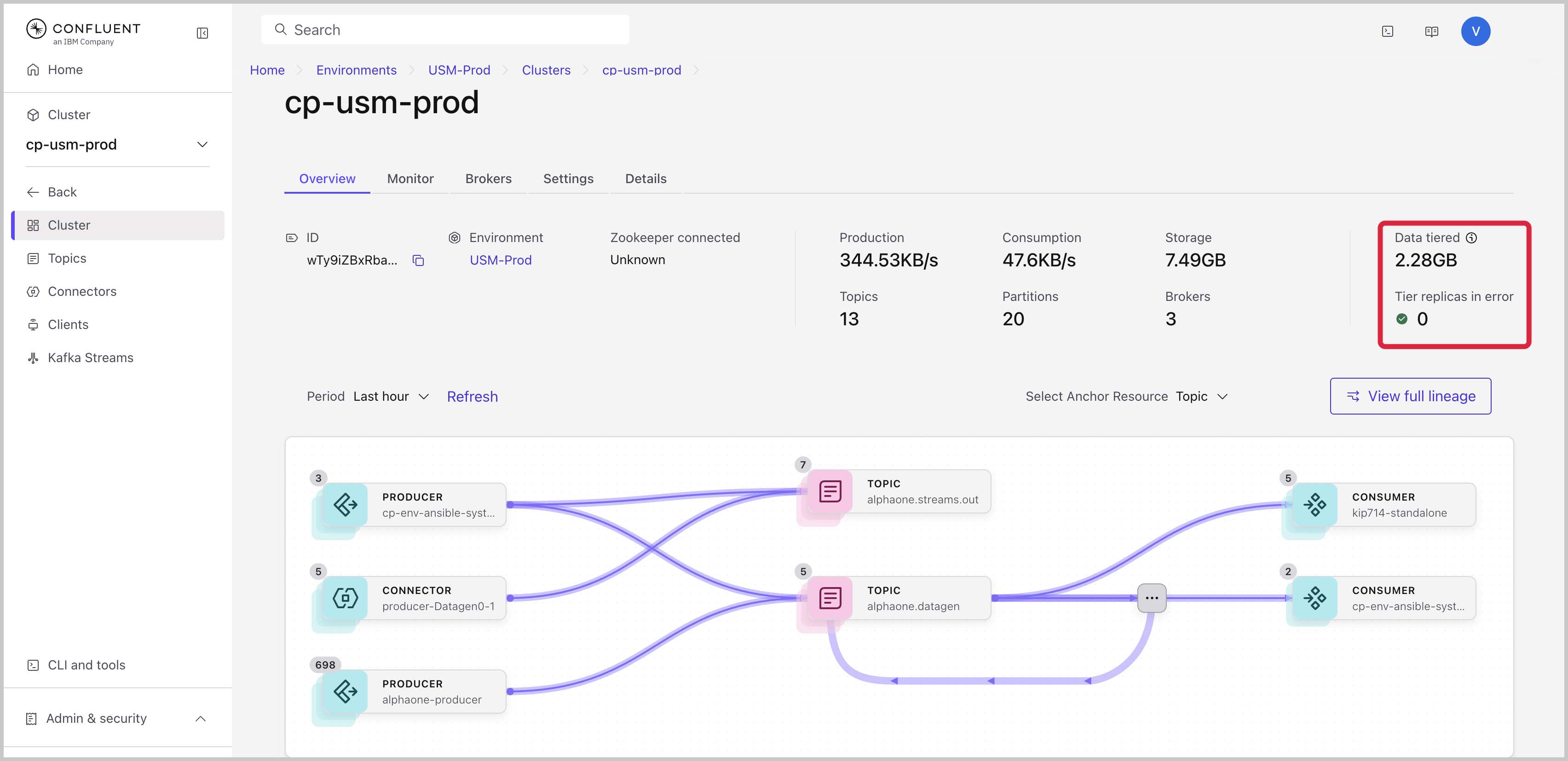
The Overview tab opens by default and shows the tiered storage fields.
For more information about the cluster page, see Monitor a Confluent Platform Cluster in Confluent Cloud.
Tiered storage fields
The Overview tab of a Confluent Platform cluster shows two tiered storage fields.
Data tiered: The current amount of data that the cluster has offloaded to tiered storage. Each partition is counted once, so the value isn’t multiplied by the replication factor.
Tier replicas in error: The number of replicas in a tiered storage error state, summed across brokers. A healthy cluster shows
0. If tiered storage isn’t enabled on the cluster, Tier replicas in error shows--. Data tiered shows0on the versions listed in Supported versions and--on earlier patches.A non-zero value means a broker hit a non-retriable error on a partition, such as a corrupted segment or index. Check the broker logs for tier archiver errors on the affected partitions. The count stays non-zero until the affected broker restarts, even after you fix the cause.
Supported versions
The two fields have different minimum Confluent Platform versions.
Field |
Minimum Confluent Platform version |
|---|---|
Tier replicas in error |
7.9.6 or later in the 7.9.x series, or 8.1.0 or later. USM doesn’t support 8.0.x. |
Data tiered |
7.9.10 or later in the 7.9.x series, 8.1.6 or later in 8.1.x, 8.2.4 or later in 8.2.x, or 8.3.2 or later in 8.3.x. Series after 8.3.x include the metric by default. |
If your brokers run an earlier patch, Data tiered shows --.
If tiered storage is enabled, Tier replicas in error still shows a count.
Upgrade your brokers to see both values.
These requirements apply to the brokers only. No minimum USM Agent version applies.